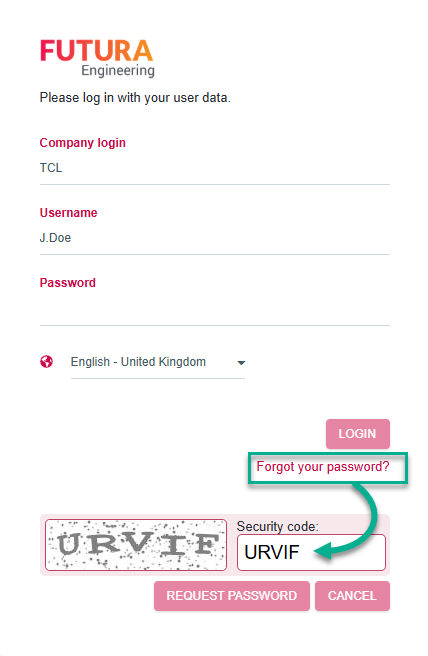
If you have forgotten your password, you can request a password link by e-mail.
Enter the company login, the username, and the generated security word from the illustration in the corresponding fields. Then click on the button "request password".
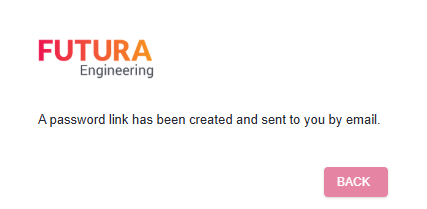
A password link will then be sent to the corresponding e-mail address of this account.
Example of the e-mail with a password link:
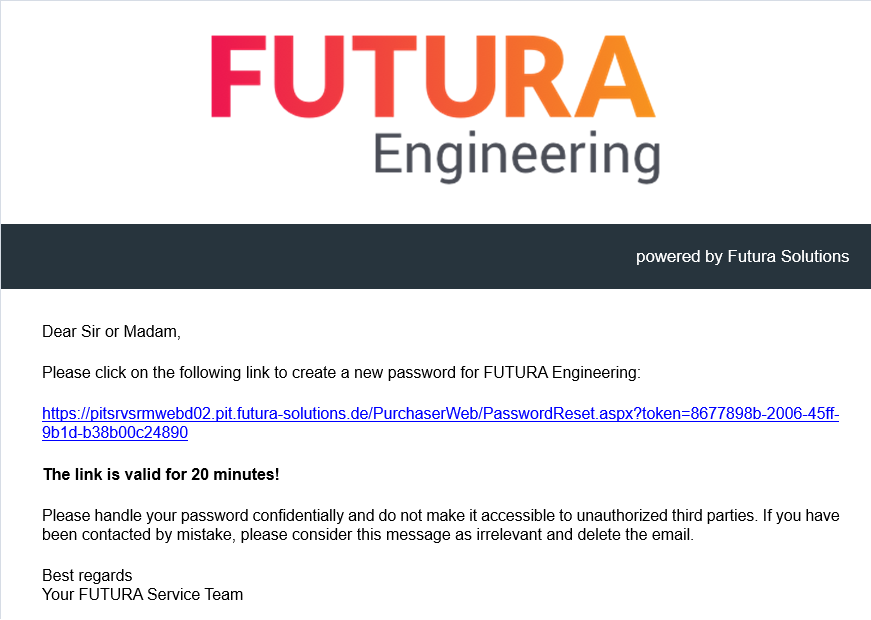
The link is valid for 20 minutes. You can always request a new one if necessary.
You can create a new password via the password link in the e-mail. You should then use this new password for future login to FUTURA Engineering.
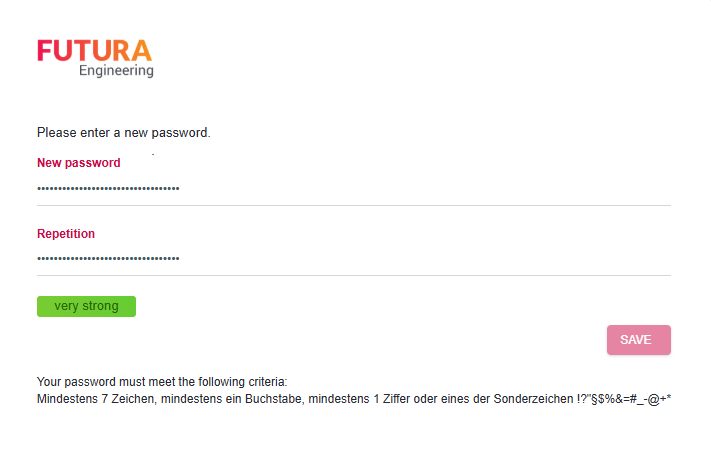
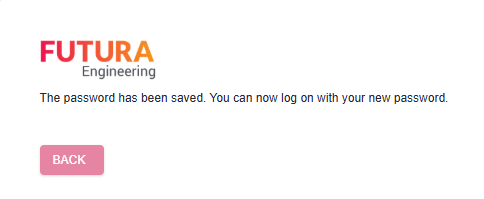
You have saved the password and can now log in to your personal access to FUTURA Engineering. To do this, click on the "Back" button to return to the login window.