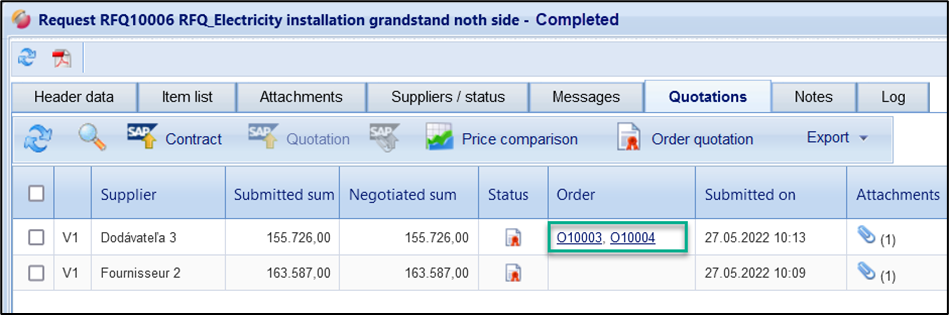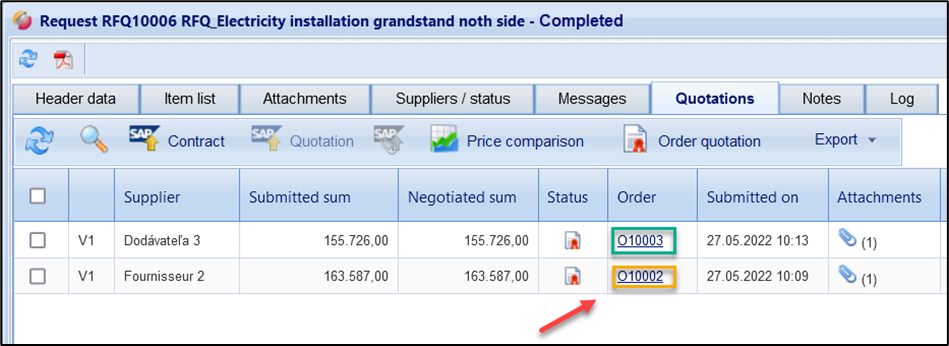
If you have used an items list with LOTs in the request, the order attribution can also be carried out per LOT after obtaining the quotations. The individual LOTs are to be understood in this transaction as individual items lists, and therefore, individual orders.
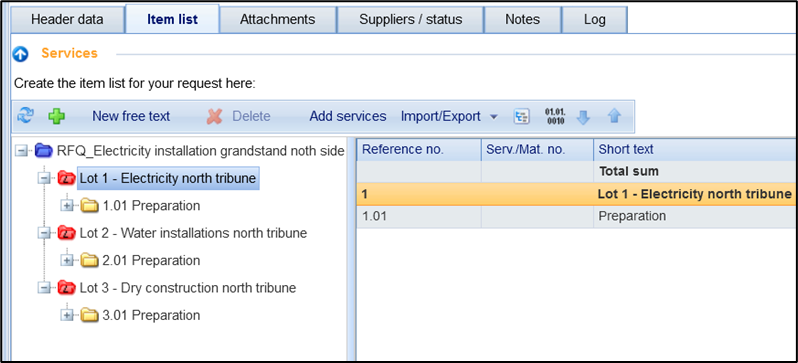
In the "Quotation" tab, the desired quotation can be selected and transferred to the order. The LOTS (Items lists) to be ordered are then selected in the dialog box for order triggering.
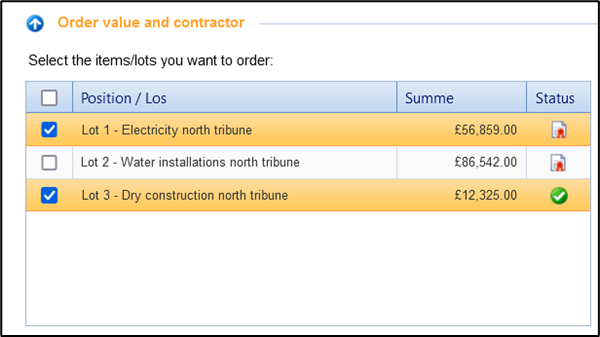
LOTS that have not yet been ordered can subsequently be transferred to a second order. When using LOTS, a request is not considered "completed" until all LOTS have been ordered.