
Description of the master item list
You can use the master item list module to create and manage a master item list of services that you want to use for future projects. The use of master item lists streamlines the work with item list, since the description of services does not have to be made anew every time.
Master item lists can be imported as a GAEB or Excel file or created manually. Organize the master services in flexible folder structures. Assign a unique service number using the integrated number generator and synchronize the master services with your SAP system.
The master services can then be used in the item list creation of a requisition, a request or an order.
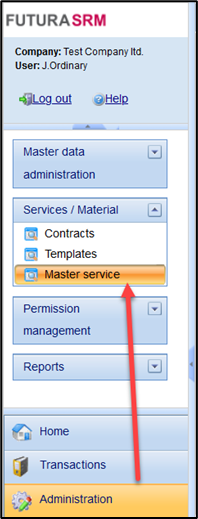
On the next pages, you can learn more about all functionalities for the master item list.
-
Structure of the master item list -
Creating Folders -
Changing and deleting folders -
Creating Master service lines -
Changing service lines from the master item list -
Copying and moving master service lines -
Deleting master service lines -
Management of a price database / calculation of an average price -
GAEB Import in the Master Item List -
GAEB Export in the Master Item List -
Excel Import in the master item list -
Excel Export in the master item list -
Generate and import service numbers -
Creating master service lines in SAP -
Searching for service items in the master item list -
Permissions for the master service